
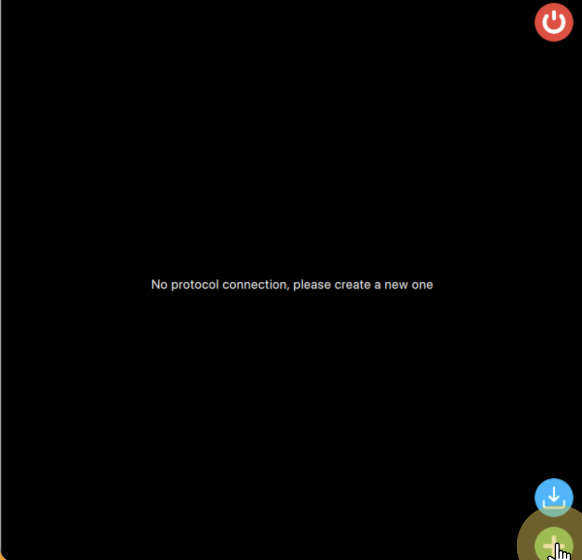
Once you are logged into protolinker you can create a new protocol connection using the add button.
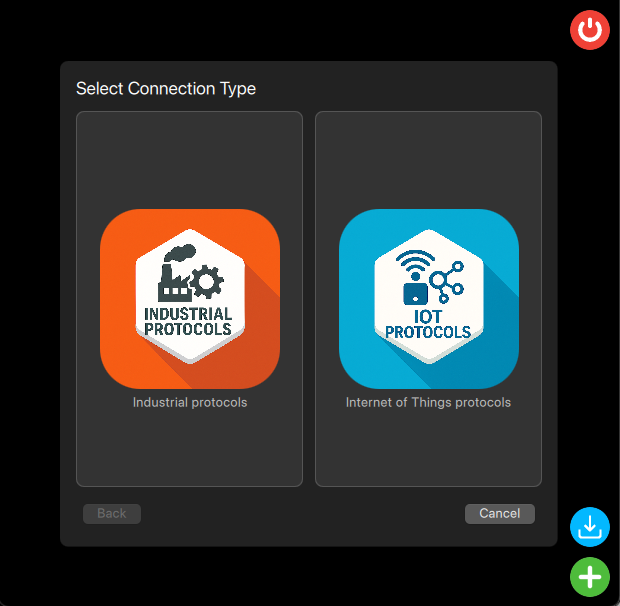
This will open a new dialog to choose the protocol type from the ones that are currently supported by protolinker.
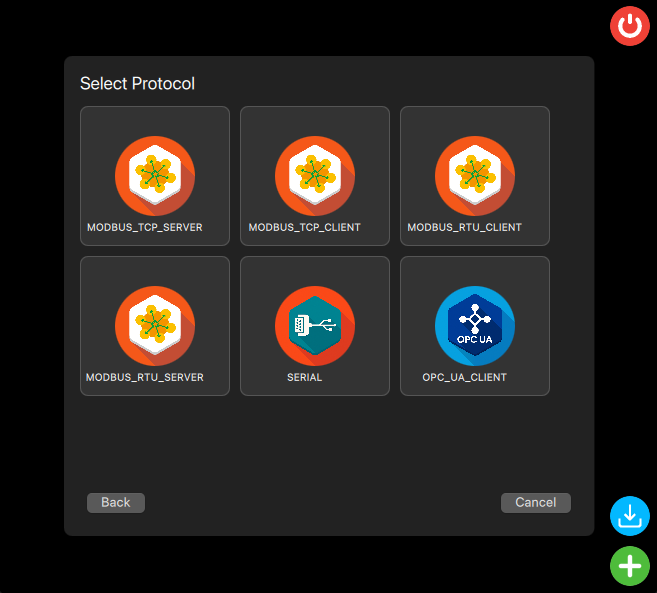
Once you choose one, it will list all available protocols of that type on protolinker at the moment, to select one option just click on it, to go back and select other protocol type you can press “Back”.
A new dialog will appear so you can configure your protocol as necessary, once you click save an icon with the protocol type and name will appear, once you click on it, this dialog will show again so you can re-configure all the parameters for the protocol, each type of protocol have their own types of parameters and what is required to be configured.
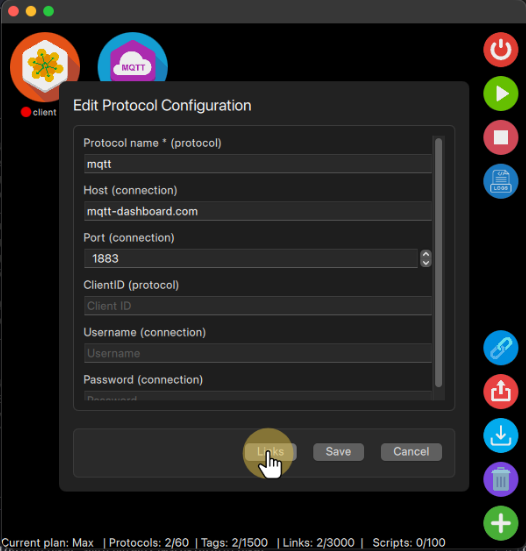
Once you have all the configuration done, you can press the save button, so the protocol will have this new configuration saved.


