
How to export current configuration #
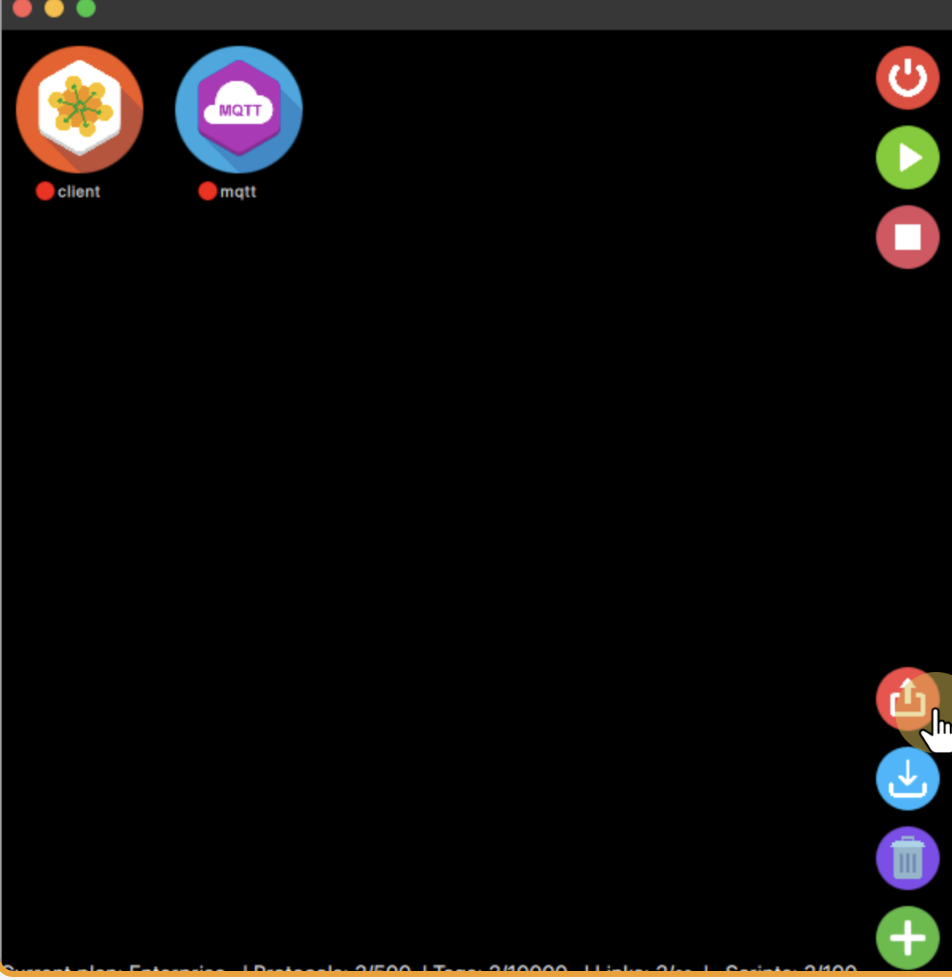
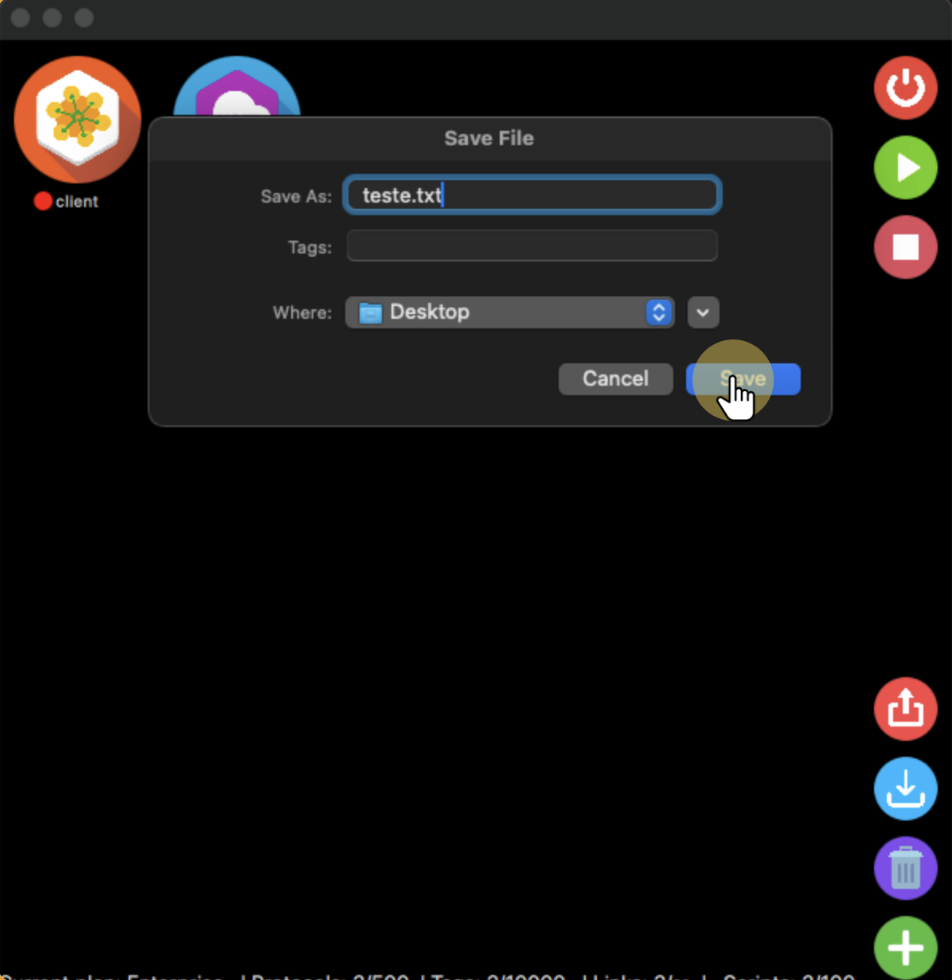
Once you have finished the configuration of your protocols, you can export it to a JSON file, enabling you to share it with others or use it on different settings. To do that, you just need to click the export button within the user interface and select the name and where you want to save the file.
How to import an existing configuration #
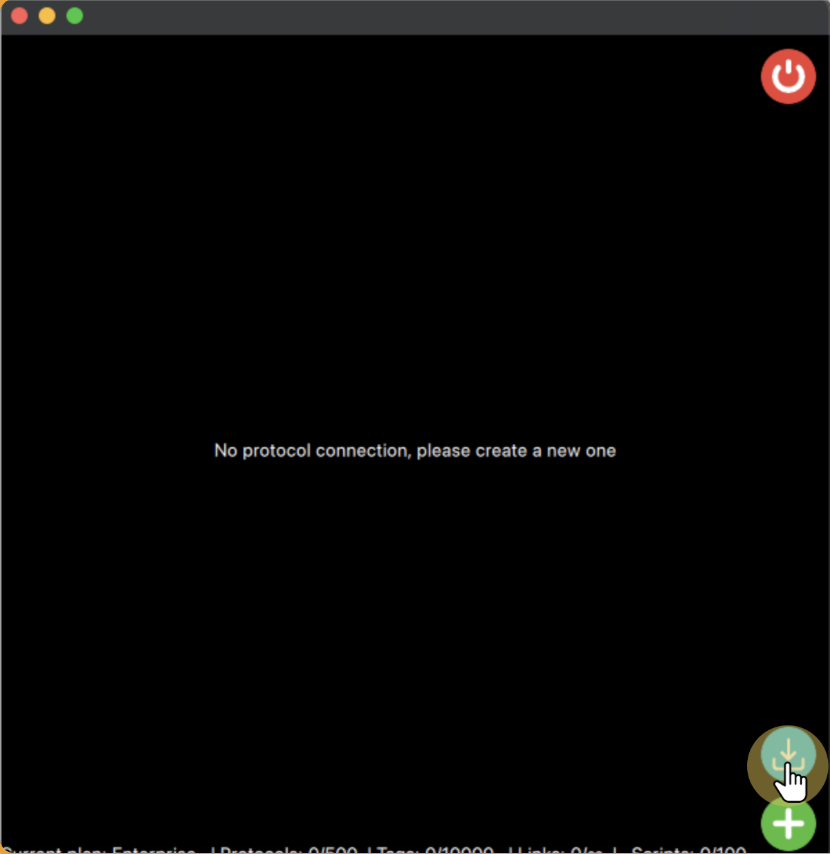
Once you have a file with the JSON configuration, you can import it into protolinker using the import button on the user interface.
This will open the file dialog, so you can search on your computer where the JSON file with the configuration is saved and select it.
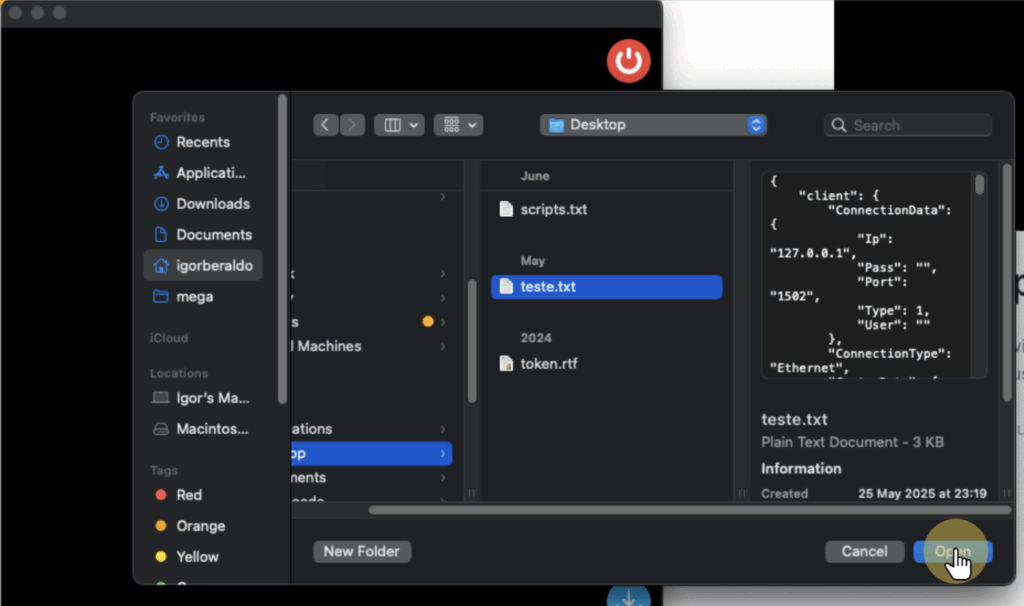
Once you open the file with a configuration, it will create all the protocols, tags, links and scripts from that configuration for you.
Note: One important thing is that scripts are run using their absolute paths, so when you share the configuration should be wise to have the scripts in a folder with the similar path or manually correct where they are located.


