
Once a Tag is no longer necessary, you can remove it from the protocol using the protocol configuration form. First, you need to select the Tag you want to remove from the dropdown menu.
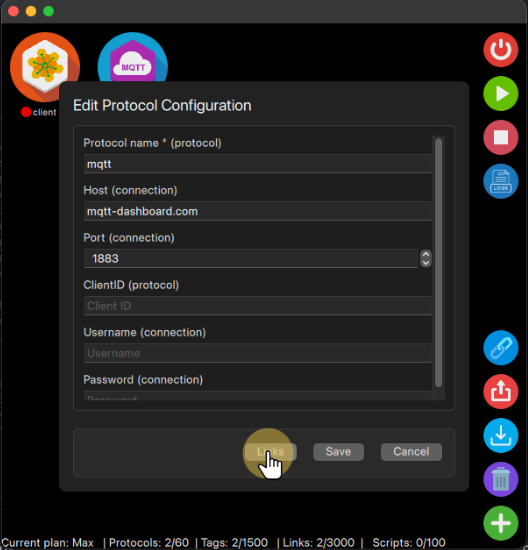
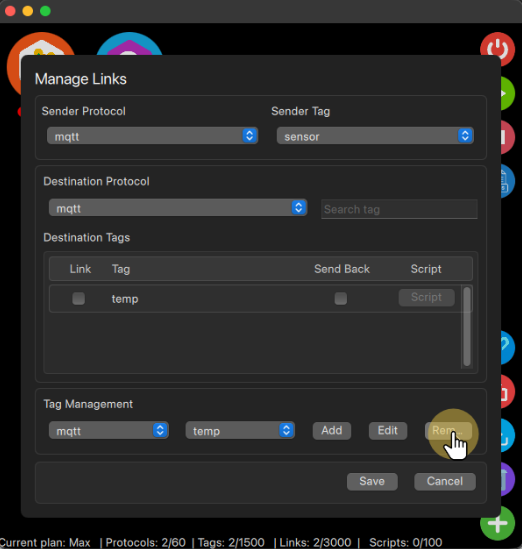
Once it is selected, the buttons Edit and Remove are enabled, so you can use them to either edit the Tag configuration if that is the case or click the Remove button to remove the Tag, this action is not recoverable. So if you click Save after deleting it, the Tag will be lost, if you did not want to remove it for good, you can still click on Cancel, aborting all the changes done.


