
Once you have a protocol that you no longer need, you can remove it using the remove button in the user interface.
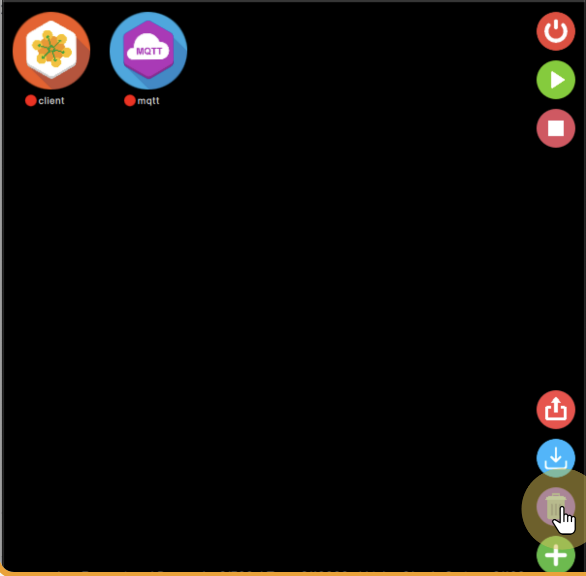
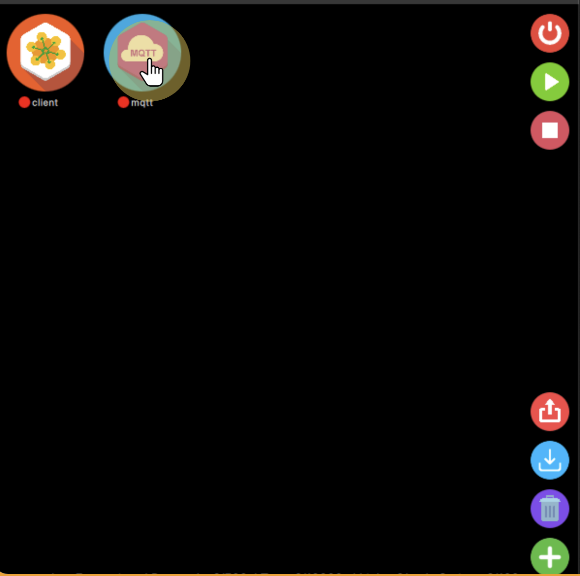
Then select the protocol to be removed by clicking its icon.
As a final step you just need to confirm the action before deleting it, to be sure that this is the right protocol you want to remove, as this action is not recoverable from.
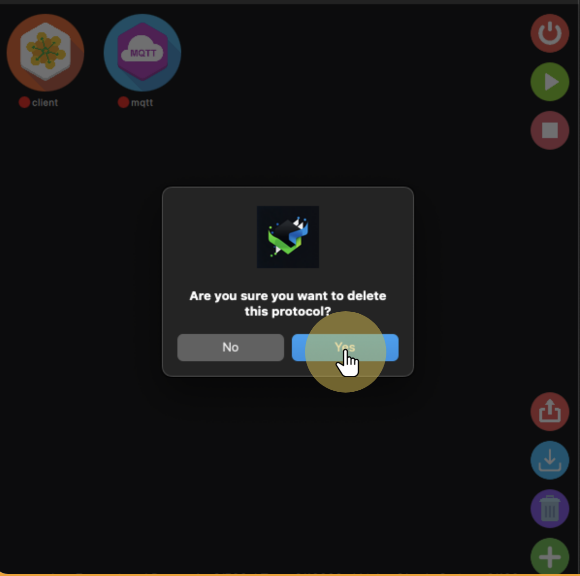
In case you click “No”, the protocol will be kept as it was, otherwise it will be removed, and it is not possible to recover it, it will be necessary to create and configure it again in case of needing it back.


