
To install protolinker on your Linux device, you need to first go to the downloads page and download the deb file to install it. Select your system architecture and download the file.
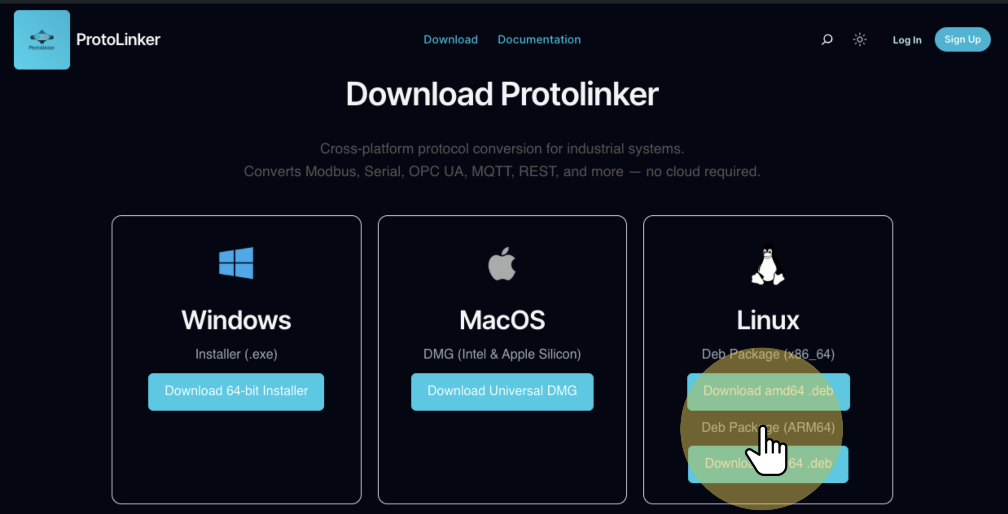
Open the terminal on the folder you downloaded it and run the command to make the .deb an executable.
Replace the arch by your system architecture
Copied!chmod +x protolinker-linux-arch-latest.deb
Then you can use the dpkg package to install the protolinker into your system with the following command.
Copied!sudo dpkg -i protolinker-linux-arch-latest.deb
It may happen of your system be missing some of the dependencies necessaries to run the protolinker, if that is the case they will be listed when you try to install using dpkg, to fix the dependencies you just need to run this command that will update will package manager and install the necessary dependencies.
Copied!sudo apt-get update && sudo apt-get install -f
With that fixed you can run again the command to install the protolinker using the dpkg.
Copied!sudo dpkg -i protolinker-linux-arch-latest.deb


