
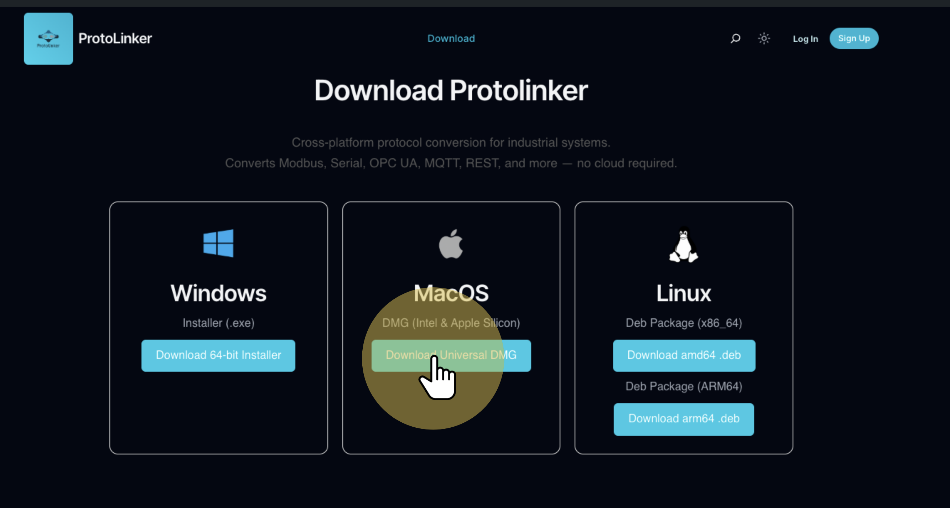
To install protolinker on your macOS device, you need to first go to the downloads page and download the DMG file to install it.
When you download protolinker from the internet, macOS may mark the file with the quarantine attribute flag. This is a standard security measure applied to all apps that are not downloaded from the App store. To allow protolinker to run, you will need to remove this flag by running a command on your terminal.
Open the terminal in the folder you downloaded the protolinker and run the following command to remove the quarantine flag:
Copied!xattr -r -d com.apple.quarantine protolinker-macos-latest.dmg
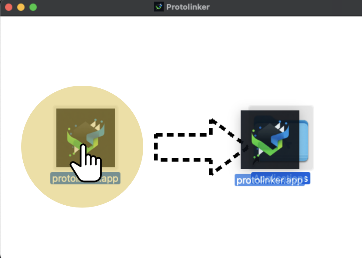
After doing that, the quarantine flag will be removed and the protolinker will be able to run normally. So the next step is to open the protolinker-macos-latest.dmg file and drag it into the Applications folder shortcut shown in the folder, this will install the protolinker and from now on you can run it from your terminal or from your Launchpad.


